
Choosing the right hardware is the most critical decision for any AI professional. In 2024, the debate is no longer just about which GPU to buy, but about which ecosystem to invest in: Apple’s sleek, integrated **Unified Memory architecture**, or the raw, modular power of a **custom-built NVIDIA PC**.
At AI Gear Lab, we’ve built and tested both. This guide will break down the real-world performance, cost, and workflow differences between a maxed-out MacBook Pro M3 Max and a high-end custom PC built around an RTX 4090.
The Contenders: A Tale of Two Philosophies
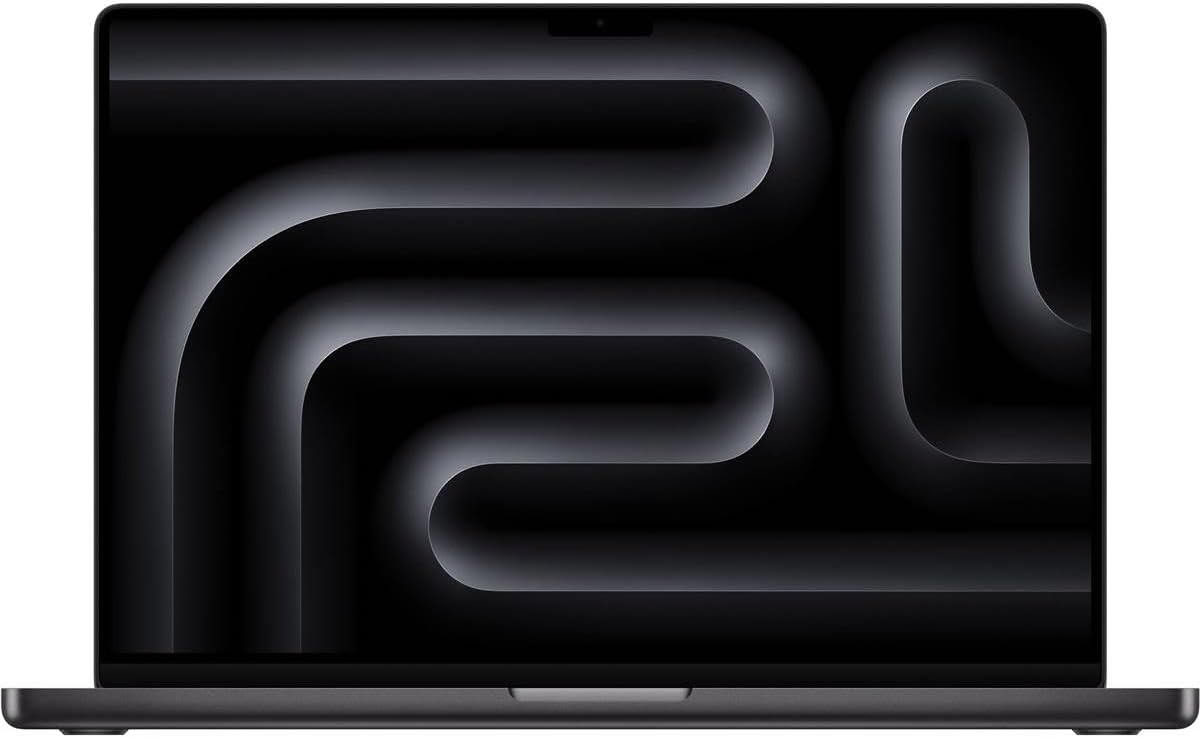
The Mobile Powerhouse: MacBook Pro M3 Max
Apple’s offering is a marvel of integration. Its key advantage is Unified Memory, allowing the CPU and GPU to share a massive pool of RAM (up to 128GB). This is a game-changer for running enormous models that would choke a standard PC GPU.
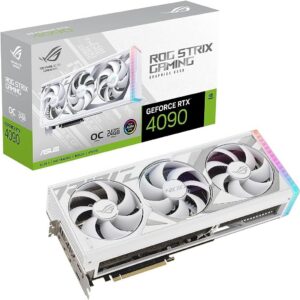
The Raw Power Build: Custom PC (RTX 4090)
The DIY PC is about raw, unadulterated performance and modularity. With an NVIDIA RTX 4090 and its 16,384 CUDA cores, it is the undisputed king of raw inference speed for most models and benefits from the mature CUDA software ecosystem.
Head-to-Head Benchmark: Llama 3 & Stable Diffusion
We tested both systems on two common AI tasks: running a large language model and generating high-resolution images.
| Test Scenario | MacBook Pro M3 Max (128GB) | PC (RTX 4090 24GB) | Winner |
|---|---|---|---|
| Llama 3 8B (Inference Speed) | Very Fast (~150 tokens/s) | Extremely Fast (~300+ tokens/s) | PC (NVIDIA) |
| Llama 3 70B (Can it run?) | Yes (Quantized, uses ~80GB RAM) | No (Model exceeds 24GB VRAM) | MacBook |
| Stable Diffusion XL (1024px img/s) | Fast (~1.5 img/s) | Blazing Fast (~4-5 img/s) | PC (NVIDIA) |

Cost, Power, and Workflow Considerations
Cost
A top-spec MacBook Pro M3 Max can cost upwards of $5,000. A custom PC with an RTX 4090, while expensive, can often be built for around $3,500 – $4,500. Winner: PC.
Power & Portability
The MacBook Pro is a laptop. You can run AI models from a coffee shop. The PC is a power-hungry desktop that requires a dedicated space and a powerful PSU. Winner: MacBook.
Software & Ecosystem
NVIDIA’s CUDA is the undisputed industry standard. While Apple’s MLX framework is improving rapidly, most cutting-edge research and tools are released for CUDA first. Winner: PC.
Conclusion: Which AI Workstation is for You?
You should choose the Custom PC (RTX 4090) if:
- Your priority is the absolute fastest inference and training speed for models that fit within 24GB of VRAM.
- You work primarily in the CUDA ecosystem (PyTorch, TensorFlow).
- You want the best performance-per-dollar and the ability to upgrade components later.
You should choose the MacBook Pro M3 Max if:
- You absolutely need to run 70B+ parameter models locally.
- You need a portable solution for AI development.
- You are already heavily invested in the Apple ecosystem.
No matter your choice, building a powerful local AI setup is an investment in your productivity and privacy. Explore our curated components to start your build today.