
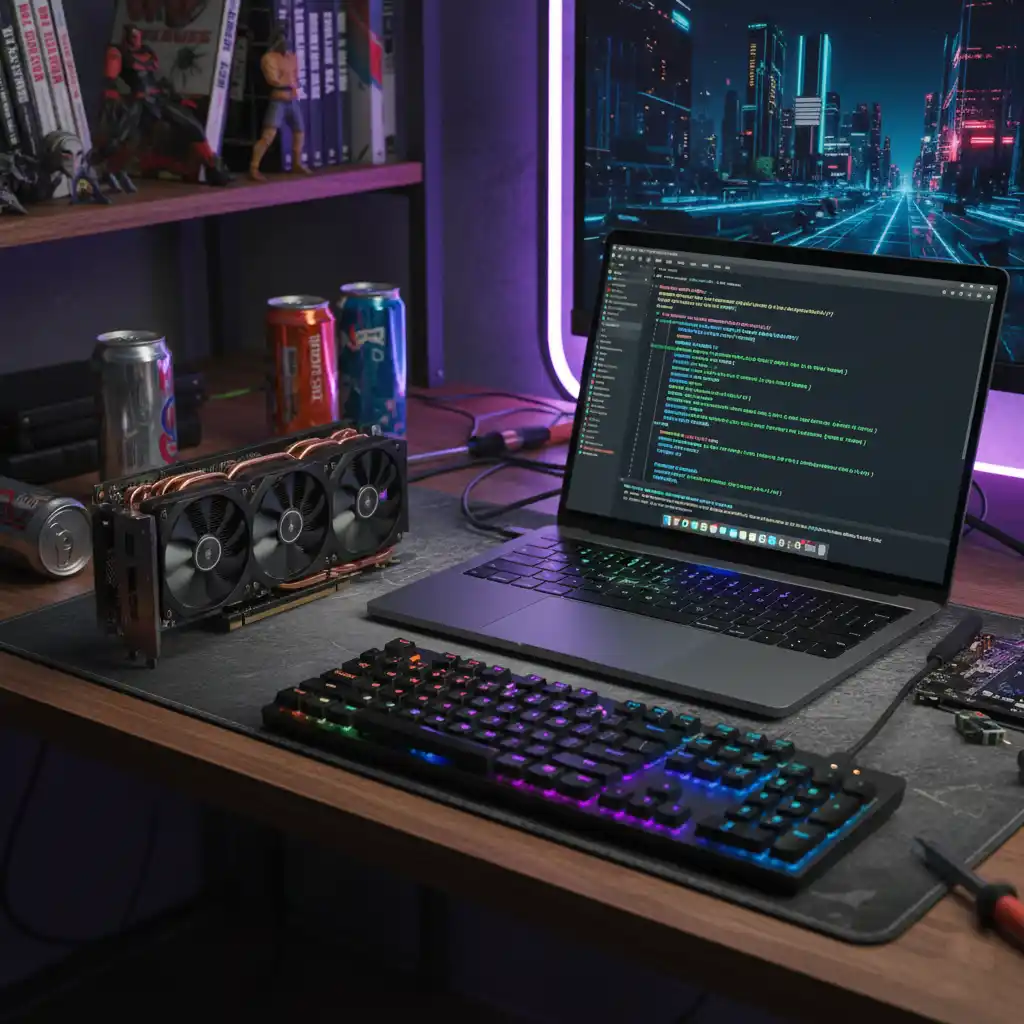

In 2024, the landscape of Artificial Intelligence has shifted. Professionals are no longer relying solely on cloud-based solutions like ChatGPT. The demand for Local AI—running models on your own hardware—has skyrocketed due to privacy concerns, zero subscription costs, and the ability to customize models via fine-tuning.
But there is a major bottleneck that every AI enthusiast hits: Hardware Requirements. Unlike gaming, where CPU speed or monitor refresh rates matter most, AI performance is dictated by one golden rule: VRAM is King.
The VRAM Golden Rule: Capacity Over Speed
In the world of Large Language Models (LLMs), VRAM (Video RAM) isn’t just about how fast a model runs; it’s about whether the model can run at all. If your model’s parameters plus the context window exceed your VRAM, your system will offload data to your system RAM, causing performance to drop by 90% or more.
Lab Insight: It is better to have a slower card with more VRAM than a faster card with less. AI models are “memory-hungry” monsters.
How Much VRAM Do You Need? (Tier Breakdown)
1. Entry Level (8GB – 12GB): The Hobbyist Tier
At this level, you can run small models like Phi-3 Mini or Gemma 2B effortlessly. You can also run Llama-3-8B using heavy 4-bit quantization. However, you will struggle with large context windows or high-resolution image generation.
2. Professional Sweet Spot (16GB): The Developer Choice
This is where local AI starts to get serious. With 16GB of VRAM, you can run Llama-3-8B at full 16-bit precision or high-quality Q8 quantization. It is also the minimum recommended for Stable Diffusion XL (SDXL) without hitting “Out of Memory” errors.
Recommended Gear: NVIDIA RTX 4060 Ti 16GB — The most affordable entry into pro-tier AI.
3. Power User Tier (24GB): The Gold Standard
24GB is the industry standard for local development. It allows you to run quantized versions of 70B parameter models or handle massive image generation batches. If you are a serious AI professional, this is your baseline.
Recommended Gear: NVIDIA RTX 4090 — Unmatched inference speed and CUDA support.
4. The Unified Memory Alternative (48GB – 128GB+)
Apple’s M-series chips offer a unique advantage: Unified Memory. Because the GPU and CPU share the same pool of RAM, an Apple Silicon Mac can utilize 100GB+ of “VRAM”—something impossible on consumer PCs without multiple GPUs.
Recommended Gear: MacBook Pro M3 Max (48GB+) — For mobile professionals running massive contexts.
NVIDIA CUDA vs. Apple Unified Memory
| Feature | NVIDIA RTX | Apple Silicon |
|---|---|---|
| Software Support | Native CUDA (Industry standard) | MLX / Metal (Rapidly growing) |
| VRAM Scaling | Capped at 24GB per card | Up to 128GB+ (Unified) |
| Performance/Price | High ROI for small/med models | High entry cost, but unique for ultra-large models |
Conclusion: Choosing Your Gear
Selecting hardware for local AI is about matching your VRAM to your use case. If you are a developer looking for speed, NVIDIA is your best bet. If you need to run massive models in a mobile format, Apple is currently unmatched.
Ready to upgrade? Explore our full catalog of AI-tested GPUs and find the hardware that will power your next breakthrough.
Disclaimer: As an Amazon Associate, AI Gear Lab earns from qualifying purchases. Our benchmarks are independent and based on real-world technical testing.